load*, create*
← All Butter documentation- View p5.js documentation for
loadFont - View p5.js documentation for
loadImage - View p5.js documentation for
createVideo - View p5.js documentation for
createInput - View p5.js documentation for
createColorPicker - View p5.js documentation for
createSlider
In p5.js, there are functions you can call to load assets, such as loadImage to load a p5.Image and loadFont to load a p5.Font. Similarly, one can create a p5.MediaElement with video content using createVideo. The first parameter for all of these methods is a URL to load.
All create* and load* methods become fields
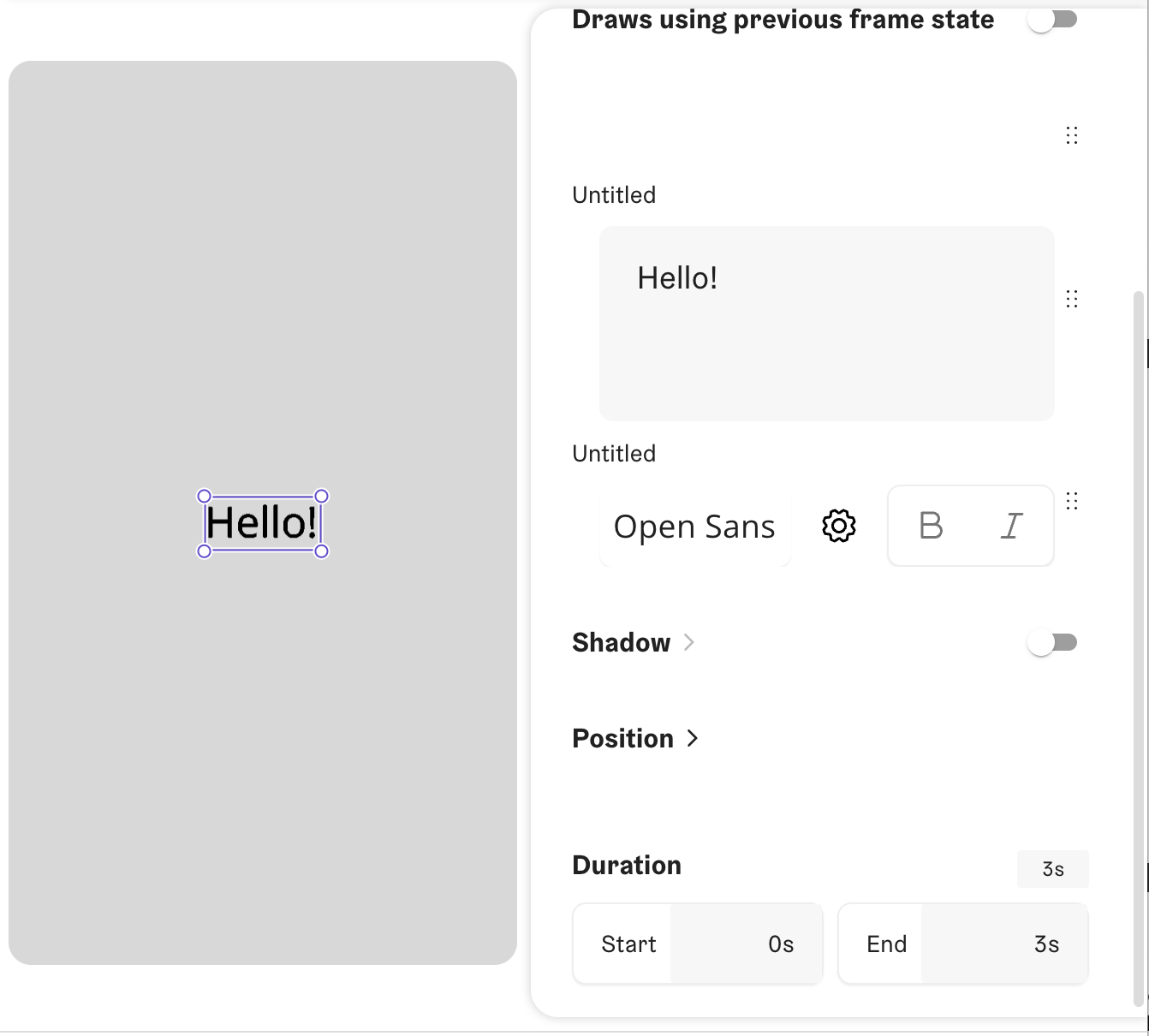
In Butter, these functions all work, but the URL is ignored, and a field is added in the sidebar. This allows the user to select a font, image, video, etc, and the URL of the selected asset will be used instead.
Here's an example component that loads a font. On the right, you can see the font field UI it creates for the component:
let txt
let font

async function setup() {
  txt = createInput('Hello!').updatesSize()
  font = await loadFont('').updatesSize()
  textFont(font)
  textSize(30)
  createCanvas(
    fontWidth(txt.value()),
    textLeading(),
    WEBGL
  )
}

function draw() {
  clear()
  textAlign(CENTER, CENTER)
  textFont(font)
  textSize(30)
  text(txt.value(), 0, 0)
}
Usage notes
You may want to determine the size of your canvas based on the size of content you load by referring to its size in createCavas. If you do so, when you create or load the content, chain .updatesSize() to the end of the call, e.g. let img = loadImage('').updatesSize(). For more info, check out:
- Our
createCanvasdocs - The
origWidthandorigHeightproperties of images and videos - The
updatesSizemethod